Screen Fatigue in Kids: Signs, Causes, and How to Prevent It
 Jasdeep Singh3 May, 2025
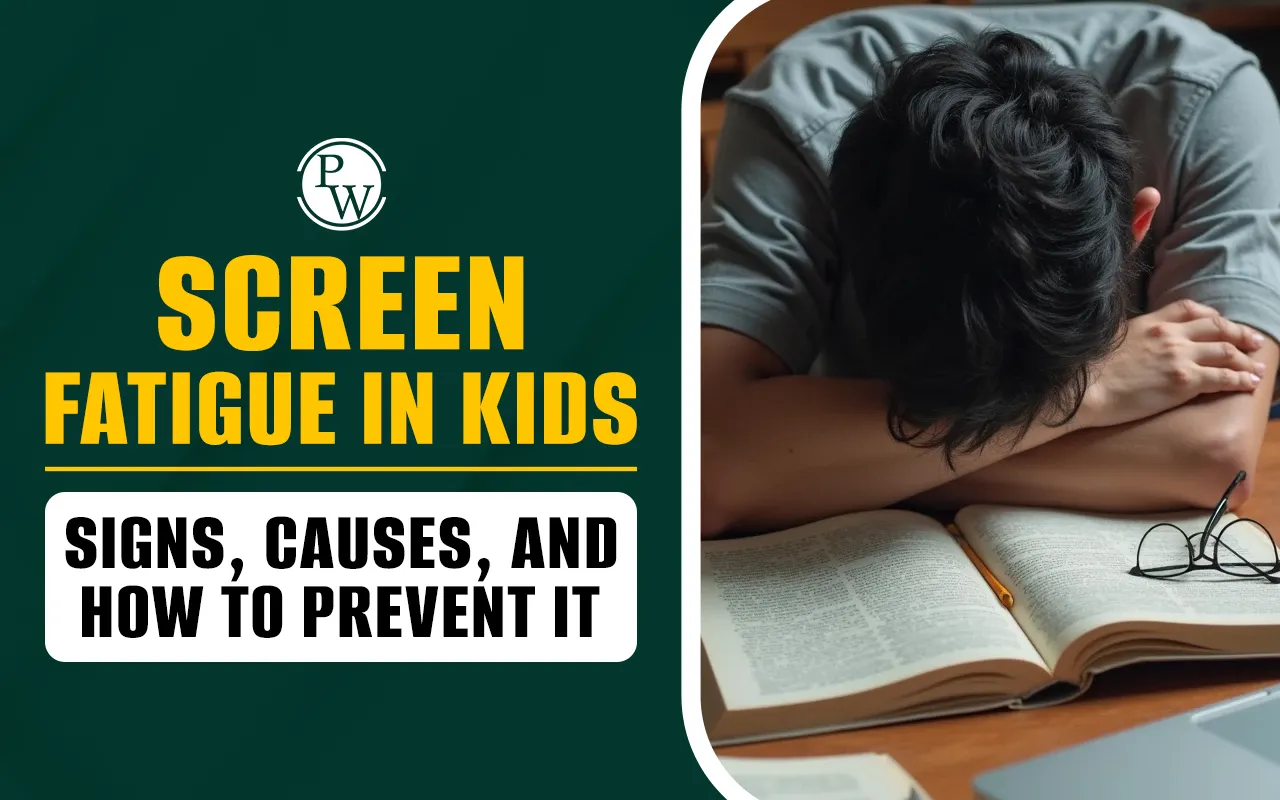
Screens are now a constant presence in children's daily lives, from virtual classrooms and educational tools to games and video chats with family and friends. While technology offers many benefits, too much screen time can lead to screen fatigue, affecting comfort, focus, sleep, and overall well-being.
As this issue becomes more common, parents play a key role in protecting their child’s health. This blog explores the causes of screen fatigue, signs to watch for, and steps parents can take to prevent it.
What is Screen Fatigue?
Screen fatigue, also known as digital eye strain, refers to the discomfort that follows prolonged exposure to digital devices.
It's not a disease, but a collection of symptoms such as tired eyes, blurred vision, and headaches that occur after focusing on a screen for an extended period.
Although screen fatigue is temporary, if left unaddressed, it can interfere with children’s learning, behavior, sleep patterns, and overall well-being.
Screen Time and Online Learning: Finding the Right Balance
Signs of Screen Fatigue in Children
Recognizing early signs of screen fatigue can help parents intervene promptly. Some of the common symptoms include:
-
Eye Discomfort or Pain: Complaints of sore or burning eyes after screen use.
-
Blurred or Double Vision: Difficulty focusing, especially when shifting gaze between near and distant objects.
-
Headaches: Frequent headaches, particularly around the forehead or temples, after screen sessions.
-
Dry or Irritated Eyes: Redness, frequent blinking, or rubbing the eyes.
-
Difficulty Concentrating: Reduced attention span during schoolwork or other tasks.
-
Neck and Shoulder Pain: Poor posture while using devices often leads to muscle tension.
-
Loss of Interest in Reading: Children may avoid reading or other close-up activities after heavy screen use.
If your child exhibits these symptoms regularly, it may be a sign that their eyes are overworked and need a break.
Essential Life Skills Every Student Should Learn
Causes of Screen Fatigue
Screen fatigue in kids is primarily caused by the way they use their eyes during prolonged device use:
-
Prolonged Focus: Looking at close-up screens for a long time makes the eye muscles work too hard. This causes tired eyes, blurry vision, and can make it harder to focus later.
-
Reduced Blinking: When children stare at screens, they blink much less than normal. Less blinking dries out the eyes, leading to irritation, redness, discomfort, and even blurry vision during or after screen time.
-
Poor Screen Setup: If screens are too close, too high, or too bright, children’s eyes have to strain harder. Poor setup adds stress to their eyes, neck, and overall comfort during screen use.
-
Lack of Outdoor Time: Not spending enough time outside can hurt eye development. Natural daylight helps the eyes focus far away, and without it, children have a higher chance of becoming nearsighted (myopic).
-
Blue Light Exposure: While blue light does not damage the eyes directly, too much screen use at night can confuse the brain’s sleep signals, making it harder for children to fall asleep properly.
-
Continuous Near Work: Reading, writing, and using screens all keep the eyes focused up close for long periods. Without breaks, this close-up work tires the eyes and increases the risk of screen fatigue.
How Does Screen Fatigue Affect Overall Health?
Screen fatigue is more than just eye strain. It can influence sleep, posture, and mental well-being, creating a ripple effect on a child’s overall health.
-
Sleep Disruption: When children use screens late in the day, the blue light can interfere with their natural sleep patterns. This makes it harder for them to fall asleep and affects the quality of rest they get throughout the night.
-
Physical Strain: Extended screen time often leads to slouching or awkward sitting positions. Over time, this can result in discomfort or pain in the neck, shoulders, and back, which may impact daily activities.
-
Mental and Emotional Effects: Continuous screen exposure, especially without enough rest, can leave children feeling tired and irritable. It may reduce their ability to focus and contribute to feelings of anxiety or stress.
Tips to Manage Time Effectively While Studying
How Parents Can Help Kids Avoid Screen Fatigue?
Parents play a significant role in helping kids develop healthy screen habits. Here are few best strategies:
The 20-20-20-2 Rule
This simple habit can significantly reduce digital eye strain in children. Encourage your child to take a short break every 20 minutes of screen use. During the break, they should look at something 20 feet away for at least 20 seconds.
This helps relax the eye muscles that focus on near objects for extended periods. In addition, they should blink deliberately around 20 times to keep the eyes naturally moist and reduce dryness or irritation.
Finally, spending at least two hours outdoors every day supports healthy vision development and overall well-being. You can help by setting up visual reminders, timers, or alarms to prompt these breaks until they become routine.
The B.L.I.N.K. Strategy
Pediatric eye specialists recommend this simple acronym to guide screen hygiene. Blinking frequently helps prevent the eyes from becoming dry during screen use. If your child shows signs of dryness or discomfort, using lubricating eye drops under the advice of a healthcare provider can be helpful.
Make sure screens are positioned at least an arm’s length away and slightly below eye level to reduce strain. Balance screen time with frequent non-digital activities such as drawing, playing outside, or reading physical books.
Lastly, trust information from reliable sources like pediatricians or eye health professionals, and avoid unverified online tips. Parents can model these habits to reinforce healthy screen behavior..
Optimizing Screen Setup
A proper setup makes a big difference in preventing screen fatigue. Encourage your child to use larger screens such as laptops or desktop monitors for schoolwork rather than small phones or tablets.
Make sure screens are placed at a distance of at least one arm’s length from the eyes and slightly angled downward. For specific screen types, follow the “1-2-10” guideline: phones should be held about one foot away, laptops two feet away, and televisions viewed from ten feet.
Adjust screen brightness so it matches the ambient light in the room, and reduce glare by avoiding overhead lights or windows directly behind the screen.Parents should also check that chairs and desks are at an appropriate height to promote good posture during use.
Manage Screen Time Wisely
Guidelines from leading health organizations such as the World Health Organization and the American Academy of Pediatrics provide a strong foundation for screen time limits. Children under two years of age should not have screen time except for video chatting with family.
For ages two to five, screen use should be limited to one hour per day, and the content should be educational and age-appropriate. For children six years and older, it’s important to set clear screen time boundaries that support a healthy daily routine. Screens should never replace sleep, play, or real-world connection with family and friends.
Parents can establish device-free zones in areas like the dining room and bedrooms to create healthy boundaries. Co-viewing content and discussing it with your child also helps build critical thinking and keeps screen time meaningful.
What Are the Key Skills Needed to Ace Competitive Exams?
Prioritize Outdoor Activities
Playing outside is one of the best ways to keep children's eyes strong and healthy. Outdoor play gives the eyes a break from focusing on close-up things like screens.
Experts say kids should spend at least two hours outside every day. Activities like riding a bike, playing with a ball, going for a walk, or even reading outside are great choices.
Natural light from being outdoors helps slow down the development of nearsightedness. Parents should encourage outdoor time daily, even if the weather isn’t perfect. Fresh air and exercise are good for the body and the eyes.
Tips to Encourage a Growth Mindset in Kids for Long-Term Success
Schedule Eye Exams Twice a Year
Children should have a full eye exam twice a year to support strong and healthy vision. School vision screenings only detect basic sight issues and can easily miss early signs of problems.
A comprehensive eye exam checks how the eyes focus, move, and work together, which is essential for learning and daily activities. If your child often experiences headaches, dry or sore eyes, or blurry vision, it may be time to visit an eye doctor even sooner.
Catching problems early makes treatment simpler and more effective. Paediatricians often recommend a baby’s first eye exam at six months, with follow-ups around ages three and five to monitor healthy development as they grow.
While screens are a part of daily life, finding balance is essential. With simple habits like regular breaks, outdoor play, and mindful screen use, parents can support their child’s health and vision. Small changes today can lead to a healthier and brighter future.