Pictograph - Definition, Meaning, Advantages with Examples
 Shivam Singh20 Jan, 2026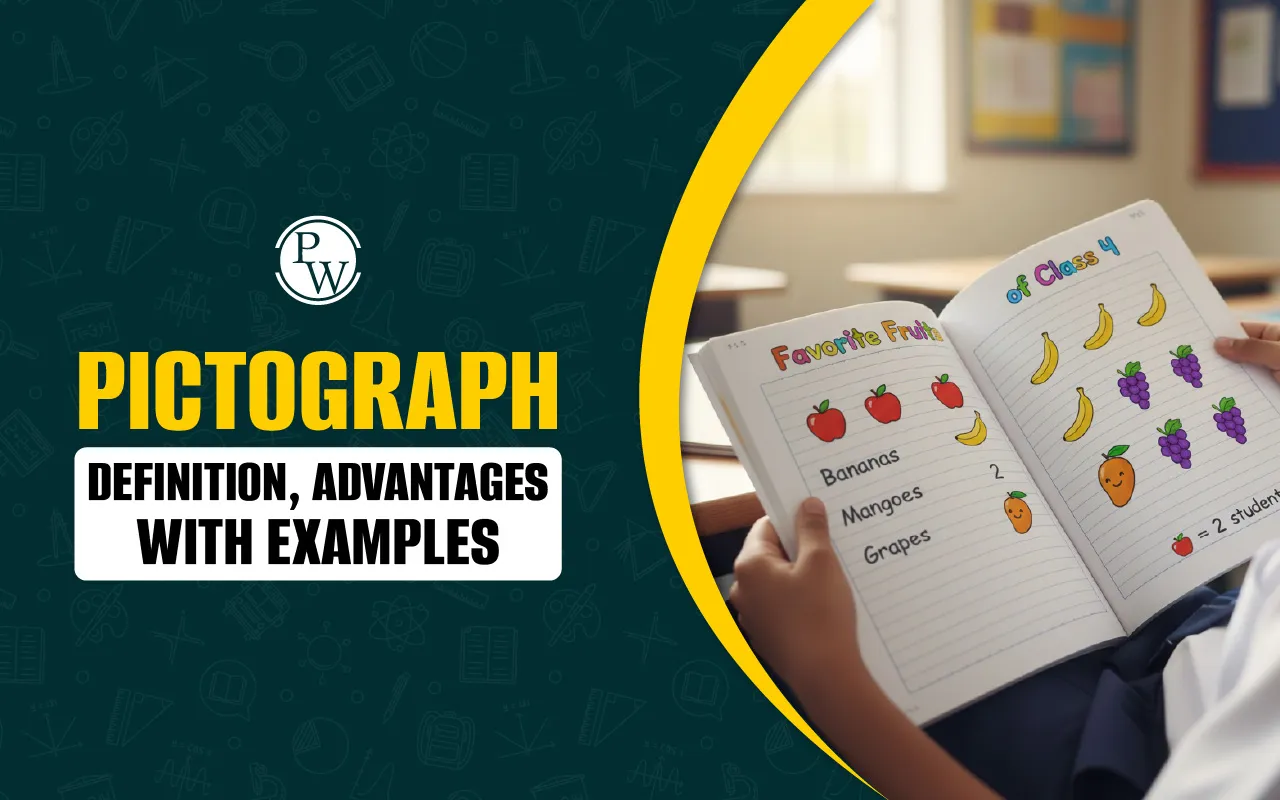
What is Pictograph?
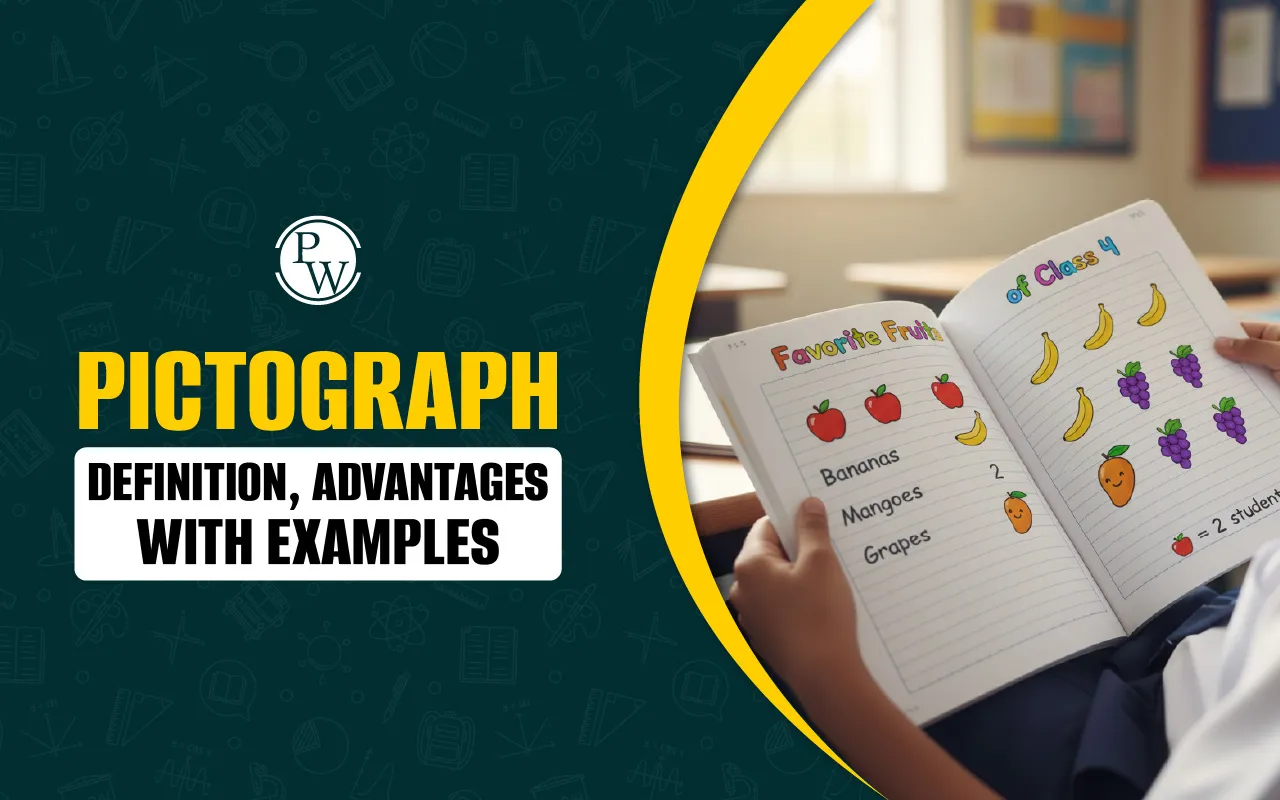
A pictograph is a simple and fun way to show data using pictures or symbols. Instead of using just numbers or words, a pictograph uses images to represent how many times something happens.
For example, if one picture of a book means 5 books, and a student has 3 book pictures, that means they read 3 × 5 = 15 books. This makes understanding data easier, especially for kids.
Read More: Cartesian Plane
Pictograph Definition
In mathematics, a pictograph definition (also called a pictogram) is a way to show data using pictures. Each picture stands for a specific number of items. The meaning of each picture is explained, such as how many things one picture represents.
For example, if one apple picture means 2 apples, and you see 4 apple pictures, that means there are 8 apples.
Parts of a Pictograph
Every pictograph has some important parts that help make the data easy to understand:
-
Title: The title tells what the pictograph is about. It helps you understand what kind of information is being shown, like “Favourite Fruits of Students” or “Books Read in a Month.”
-
Pictures or Symbols: These are small drawings or icons used to show data. Each picture stands for a certain number of things, like one apple for five students who like apples.
-
Data Values: This shows how many things each picture or symbol represents. For example, one picture could mean one book, two toys, or five students.
-
Labels: Labels are the names given to each group or item shown in the pictograph, like “Apples,” “Bananas,” or “Grapes.” They help you know what each picture stands for.
-
Colour: Colours make the pictograph more fun to look at and help you tell different groups apart more easily.
How to Make a Pictograph?
Follow these simple steps to make your own pictograph:
Step 1: Collect the data
Gather the information you want to show. This could be counts of favorite fruits, pets, or daily activities.
Step 2: Choose a symbol
Pick a picture that fits the topic. For example, use a football to show sports data or a book to show reading habits.
Step 3: Decide the value of each picture
Decide how many items one picture will represent. For example, one picture of a car might stand for 5 cars. This helps you show more data using fewer pictures.
Step 4: Draw the pictograph
Make a table with categories and draw the correct number of pictures next to each label based on the values you chose.
Step 5: Review it
Check your pictograph to make sure the pictures match the data and everything is labeled properly.
Read More: Pictorial Representation of Data
How to Read a Pictograph?
Reading a pictograph is simple if you take it step by step. Here’s how:
1. Look at the Labels
Check what the pictograph is showing. Are you looking at favorite vegetables, books read, number of glasses? The labels will tell you what each row or group is about.
2. Count the Pictures
Look at each row and count how many pictures there are. Each picture shows a number of things, not just one, so it’s important to know what one picture means.
3. Know What One Picture Stands For
At the top or bottom of the pictograph, there is a note that tells you how many items one picture stands for. For example:
-
1 picture means 2 apples
-
1 picture means 5 books
You will use this number to find the total.
4. Find the Total
Multiply the number of pictures by the number that each picture stands for.
For example: If you see 4 pictures, and 1 picture means 3 toys:
4 × 3 = 12 toys
5. Compare the Results
Once you have the totals, you can answer questions like:
-
Who has the most?
-
Who has the least?
-
What is the difference between two groups?
Read More: Angles in daily life
Pictograph Example
Let’s say we want to show how many glasses of water four students drank during school hours. The data is as follows: Riya drank 6 glasses, Kabir drank 4 glasses, Anaya drank 10 glasses, and Vihaan drank 8 glasses.
To turn this into a pictograph, we will use a simple picture of a water glass. One picture will stand for 2 glasses of water.
Here is how the pictograph would look
|
Pictograph Example |
|
|
Student |
Glasses of Water (1 picture = 2 glasses) |
|
Riya |
[ ] [ ] [ ] |
|
Kabir |
[ ] [ ] |
|
Anaya |
[ ] [ ] [ ][ ] [ ] |
|
Vihaan |
[ ] [ ] [ ][ ] |
Each box [ ] represents one picture of a water glass. Since one picture stands for 2 glasses, Riya has 3 pictures (6 glasses), Kabir has 2 pictures (4 glasses), Anaya has 5 pictures (10 glasses), and Vihaan has 4 pictures (8 glasses).
From this pictograph, we can easily see that Anaya drank the most water and Kabir drank the least. The pictures make it easy to compare how much water each student drank without having to read a lot of numbers.
Read More: Reciprocal
Advantages of Pictograph
Using pictographs is helpful for many reasons:
-
Easy to understand: Pictures make the data simple and quick to read, even without reading numbers.
-
Fun and interesting: More engaging than plain text or numbers, especially for younger learners.
-
Great for kids: Helps children connect numbers with visual information.
-
Quick comparison: It’s easy to compare values by simply counting or looking at the length of picture rows.
-
Visual appeal: Pictographs are colorful and neat, which makes the data attractive and easier to focus on.
Disadvantages of Pictograph
While pictographs are useful, they also have some limitations:
-
Not suitable for large or complex data: It becomes messy and hard to manage if the data has too many categories or large values.
-
Takes up more space: Compared to other charts, pictographs can take more room to show the same information.
-
Can be unclear without a clear picture value: If it's not shown how many items one picture stands for, the data may be misunderstood.
-
Difficult to show exact numbers: It’s difficult to show data like 3.5 or 7.25 unless fractional pictures are used, which can confuse beginners.
Also read: Construction in Maths
Common Pictograph Mistakes to Avoid
Here are some mistakes that can make a pictograph confusing, and tips to avoid them:
-
Using pictures of different sizes: All pictures in a pictograph should be the same size. Different sizes can make the data hard to read and compare.
-
Not showing what each picture means: Always make it clear how many items one picture stands for. Without this, the reader may guess or misread the data.
-
Messy or uneven spacing: Pictures should be spaced evenly in each row. Uneven rows can make the pictograph look messy or misleading.
-
Trying to show too much data: Pictographs work best for small, simple data sets. Large or complex information is harder to show clearly using this method.
Personalised Online Classes for Every Growing Mind
Is your child struggling to keep up in class? Many children face difficulty when lessons move too quickly, leaving their doubts unanswered. PW CuriousJr helps students understand concepts clearly through interactive after school online classes . Our program covers Maths, Science, English, and Social Studies, designed according to school syllabus and learning pace.
Here’s what makes our classes different:
-
Two teachers in every class for teaching and doubt-solving
-
Personal attention and homework support for every student
-
Interactive lessons with visuals and fun activities
-
Regular parent updates on performance and progress
Children learn in a comfortable and engaging environment that builds confidence and improves performance across subjects. Book a six-day demo class for just ₹29 today.